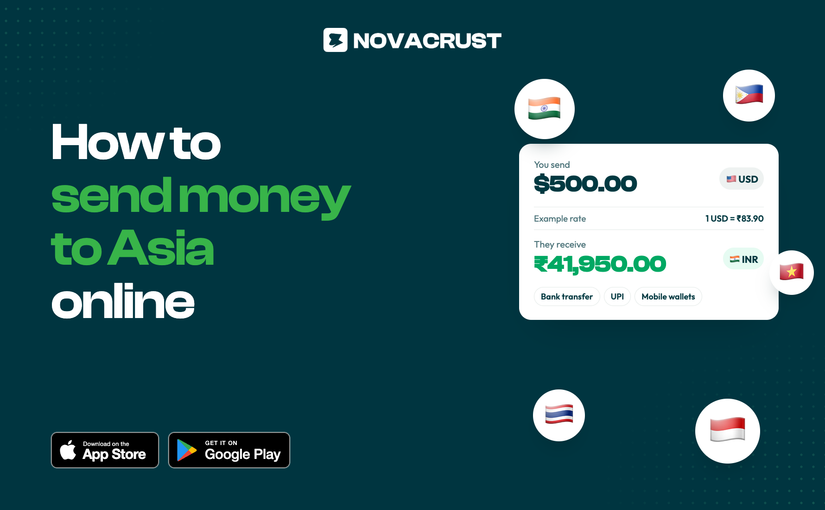
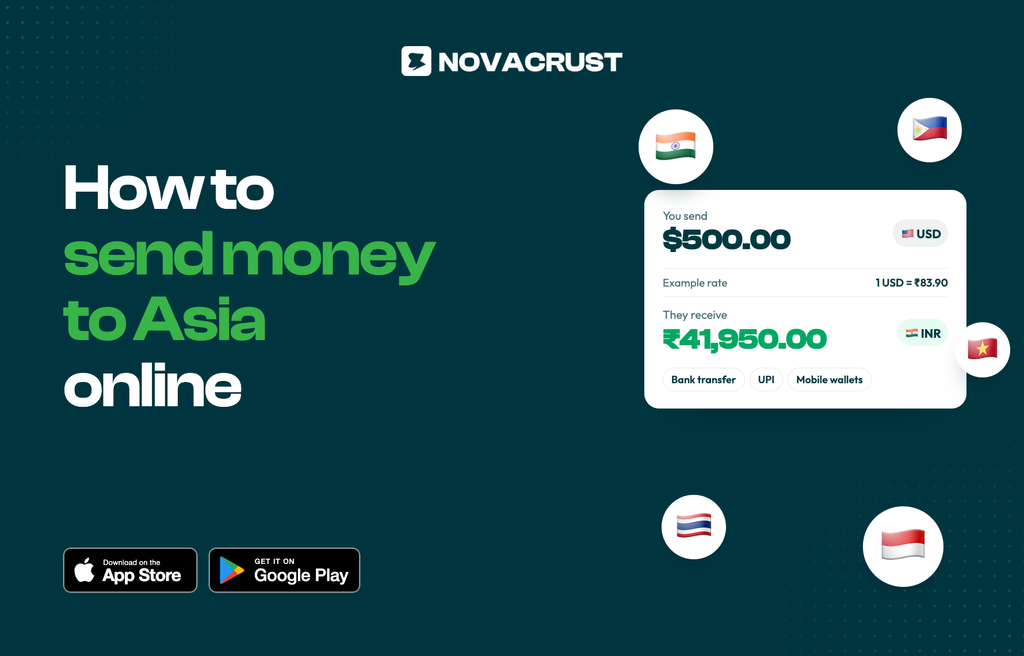
Send money to India, the Philippines, Thailand and more with Novacrust. See the rate and fee before you send.
Sending money to Asia should be simple. With Novacrust, you can pay family, friends and businesses across Asia from one app, and see exactly what they receive before you confirm.
Where you can send
India, the Philippines, Thailand, Indonesia, Vietnam and more. The full list of countries is in the app under Send.
How they get paid
- Bank transfer to accounts in each country
- UPI in India
- Mobile wallets where available
How to send money to Asia with Novacrust
- Open Novacrust and tap Send.
- Choose the country and currency.
- Pick a saved recipient, or add a new one with their bank or wallet details.
- Enter the amount. You’ll see the rate, the fee and what they receive.
- Confirm with your PIN or Face ID.
Why Novacrust
- Clear numbers. Every rate and fee is shown before you send.
- Many ways to fund. Use your USD account, local currency or crypto.
- Saved recipients. Repeat payments take seconds.
- Notifications. Know the moment your transfer is done.
Get Started – It’s Free at novacrust.com, or download the app on the App Store and Google Play.