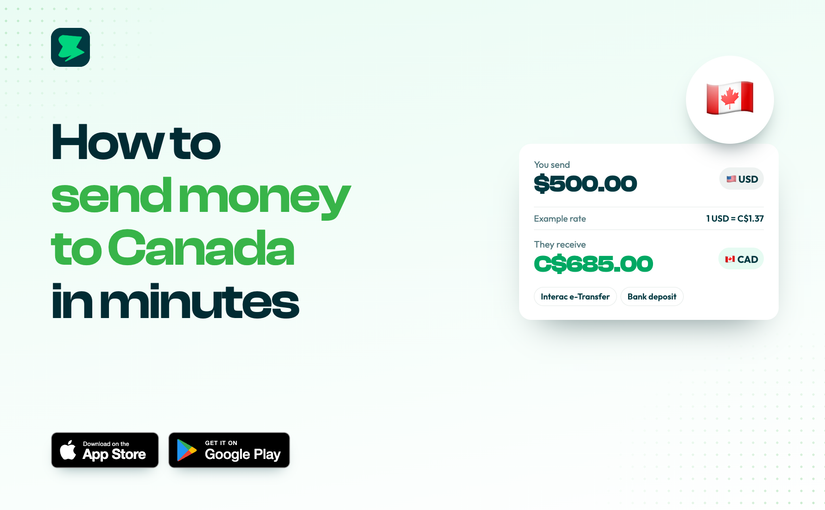
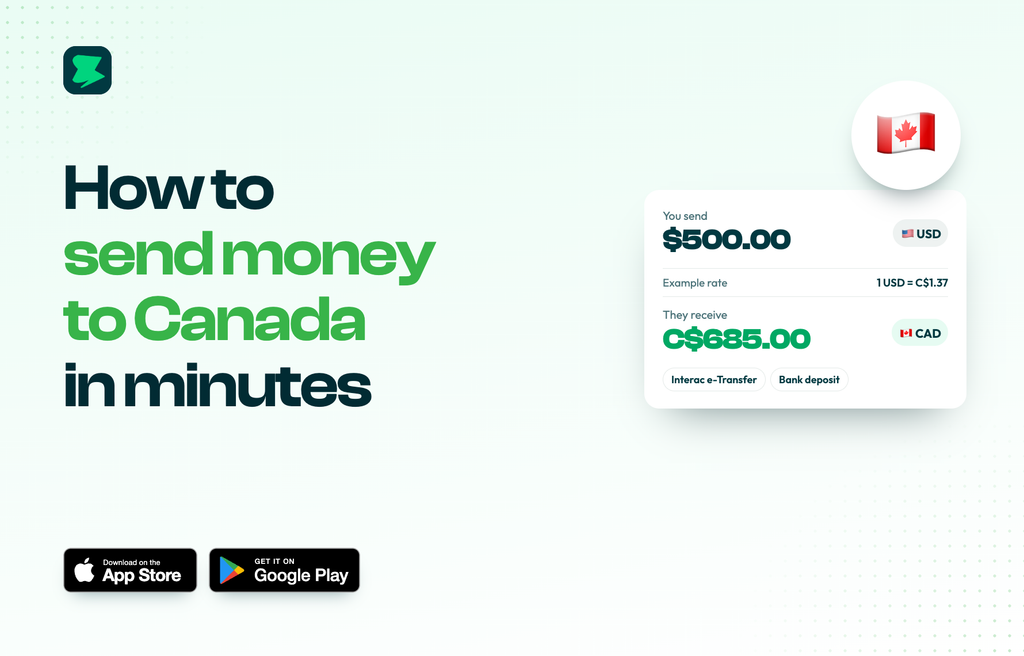
Send CAD by Interac e-Transfer or bank deposit with Novacrust. See the rate and fee before you send.
Whether it’s tuition, rent or support for family, sending money to Canada should be quick and clear. With Novacrust, you can pay anyone with a Canadian bank account from one app.
How they get paid
- Interac e-Transfer to an email or phone number
- Bank deposit to any Canadian bank account
How to send money to Canada with Novacrust
- Open Novacrust and tap Send.
- Choose Canada (CAD).
- Pick a saved recipient, or add a new one by Interac or bank details.
- Enter the amount. You’ll see the rate, the fee and the CAD amount they receive.
- Confirm with your PIN or Face ID.
Good for
- Tuition and school fees
- Rent and living costs
- Paying Canadian contractors and suppliers
- Supporting family
Why Novacrust
- Clear numbers before you send.
- Fund your way with USD, local currency or crypto.
- Saved recipients for repeat payments.
Get Started – It’s Free at novacrust.com, or download the app on the App Store and Google Play.