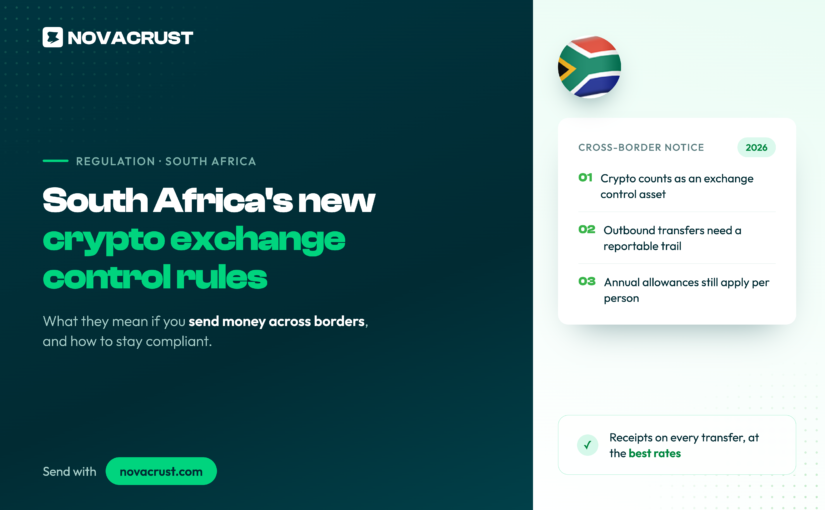
R5,000 a day. That is the new ceiling South Africa’s Reserve Bank and National Treasury want to put on stablecoin remittances sent from a self-hosted wallet, about $308 at current rates. Cross R25,000 in a month and you are over the limit too, unless the transfer moves through a licensed local exchange instead.
On 7 August 2026, South Africa’s Reserve Bank (SARB) and National Treasury published draft rules that bring crypto and stablecoins inside the country’s exchange control regime for the first time. If you send money into or out of South Africa, or you have been reading about stablecoins as the new way to move money across Africa, here is what is actually changing, and what is not.
Why now
South Africa’s exchange controls date back roughly 65 years, built for wire transfers and foreign bank accounts. Crypto sat outside that framework until a 2025 court ruling found that digital assets are not “currency” under existing law, a gap regulators have now moved to close.
SARB Governor Lesetja Kganyago put the logic plainly: the country cannot run a strict exchange control system for banks while leaving crypto largely unregulated next to it. Treat digital assets like a bank transfer, and the same rules should apply.
What the draft rules actually say
The rules split into two tracks, and the numbers matter more than the headline:
- Remittance category (stablecoin-based, small transfers): R5,000 a day, R25,000 a month, moved from a self-hosted wallet.
- Asset transfer category (broader crypto movements): R2 million a year as standard, rising to R10 million with tax compliance verification.
- Companies: banned outright from using crypto or stablecoins for offshore receipts or payments, and from receiving inbound transfers from self-hosted wallets.
- All transfers through a licensed domestic crypto asset service provider (CASP) come with a reporting requirement.
The target is specific: self-hosted wallet-to-wallet stablecoin flows that sidestep exchange controls entirely. A transfer routed through a licensed exchange, a bank account, or a mobile money wallet is a different category, and the personal allowances South Africans already have for moving money abroad stay in place.
The industry is not quiet about it
The backlash started the day the draft dropped and is still going three weeks later. VALR CEO Farzam Ehsani warned the rules are “likely to drive transactions underground or offshore.” Luno’s Marius Reitz called the approach out of step with how the rest of the crypto ecosystem operates, and argued in a Business Day op-ed on 24 August that exchange control policy of this scale belongs in parliament, not in a minister’s in-tray. Not everyone disagrees with the direction: Absa’s Rob Downes has backed the rules as at least providing clarity, even while acknowledging they narrow the near-term opportunity for crypto-linked banking products.
Public comment on the draft runs through the end of September 2026. No effective date has been set yet, so this is still very much in motion, not settled law.
What this does not change
A few things are easy to lose in a regulatory headline like this one:
- Personal exchange control allowances for individuals sending money abroad are untouched.
- Licensed exchanges and banks keep operating exactly as they do today.
- Nothing here bans crypto in South Africa. It targets one specific flow: self-hosted wallet transfers used to move money across borders outside the regulated system.
Where Novacrust fits
Novacrust already operates in South Africa the way these draft rules assume money should move: through a bank account or a mobile money wallet on the send and receive side, and buying or selling crypto directly on the platform rather than hopping funds between self-hosted wallets. If you are watching this story because you send money into or out of South Africa regularly, the practical takeaway is simple: the draft rules are aimed squarely at the self-hosted-wallet route, and there are already faster, more transparent ways to move the same money. For a broader look at how the options compare, we’ve covered how to pick the best way to send money internationally without losing value to fees or a padded rate.
FAQ
Does this affect individuals sending money to family?
Personal allowances stay in place. The new limits specifically target stablecoin remittances: R5,000 a day, R25,000 a month, unless the transfer moves through a licensed exchange.
What is a self-hosted wallet, and why does it matter here?
It’s a crypto wallet you control directly, with no exchange or provider in between. The draft rules target exactly this route because it currently sits outside exchange control reporting.
When do the rules take effect?
Public comment runs through the end of September 2026. No final effective date has been announced yet.
Does this only apply in South Africa?
Yes. This is a South African Reserve Bank and Treasury proposal specific to South Africa’s exchange control regime. Other African markets, including Ghana and Nigeria, are setting their own separate rules for crypto and remittances.
Send money the simple way
Novacrust already routes money through a bank account, mobile money, or a USD account, in seconds, without touching a self-hosted wallet. Get Started. It’s Free. Novacrust.com