Freelancers who invoice US clients through PayPal or a marketplace wallet lose money twice: once on currency conversion, and again on withdrawal fees. PayPal’s own fee guide confirms that cross-border currency conversion markups above the mid-market rate commonly run from 1% to 12% industry-wide, and Payoneer’s pricing lists a further fee of up to 3% on non-local currency withdrawals. On a $2,000 invoice, that can mean $60 to $100 gone before you ever touch the money. A USD account in your own name closes that gap: clients pay you like any other US-based freelancer, and you decide when and how to convert.
What a USD account actually is
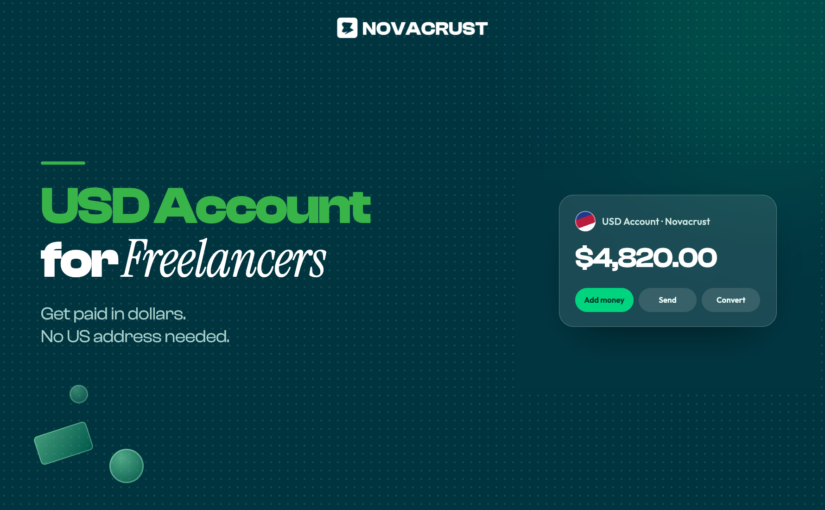
A USD Account gives you real US account and routing numbers, in your name, without a US address or Social Security number. Clients, marketplaces, and platforms pay it exactly like a domestic US bank account. With Novacrust, you can open one, get your account details, and receive your first ACH transfer the same day.
Why freelancers and creators need one, specifically
- Direct clients. Send an invoice with US account and routing numbers instead of a PayPal link, and skip PayPal’s cross-border conversion markup.
- Upwork, Fiverr, and Deel. Route payouts straight to your USD Account instead of a marketplace wallet that charges to withdraw. See our full guide to getting paid from Upwork and Fiverr.
- Creators on Gumroad, Patreon, and YouTube. Platform payouts land in a real US account instead of a workaround built for freelancers only. See how to receive Gumroad payouts without losing money to fees.
- Multiple currencies. Hold dollars until the exchange rate moves in your favor, instead of converting the moment a payment lands.
- One record. Every payment lands in one account you can track, instead of split across PayPal, Payoneer, and a local bank.
How it compares to Payoneer, Wise, and Grey
Payoneer and Wise both offer USD receiving accounts, and Grey does too. All three are solid options freelancers already use. Here’s where they differ in practice:
- Payoneer charges a 2% fee on marketplace withdrawals (Upwork, Fiverr) on top of its conversion spread.
- Wise has low, transparent fees but requires more verification steps to open a USD account without a US address.
- Grey is built for a similar audience, freelancers and remote workers receiving dollars, and is a fair comparison if you’re deciding where to hold your USD.
- Novacrust gives you a USD Account plus a Virtual Dollar Card and crypto conversion in the same app, so you’re not juggling three logins to receive, spend, and send.
How to open a USD account for freelance income
- Sign up on Novacrust and verify your identity. It takes about 2 minutes.
- Open your USD Account to get US account and routing numbers in your name. Need the full walkthrough? Read how to open a USD account online in minutes.
- Share those details with your client, or add them as your payout method on Upwork, Fiverr, Deel, Gumroad, or Patreon.
- Receive ACH or wire transfers directly. No PayPal link, no marketplace withdrawal fee.
- Convert to naira, cedis, shillings, or your local currency whenever the rate works for you, or spend straight from your Virtual Dollar Card.
Is this the same as a US bank account?
Not quite. A USD Account gives you real US account and routing numbers without going through the traditional US bank account-opening process. For the fuller picture of how non-residents and immigrants can bank in the US, read our guide to the US banking system for non-residents. If you’re in Nigeria and weighing this against a domiciliary account at your local bank, see what a domiciliary account is and how it differs from a USD Account.
FAQ
Can I get a USD account without a US address or SSN?
Yes. Novacrust’s USD Account works with your identity verification alone. No US address, no Social Security number, no US-based co-signer.
Will Upwork or Fiverr pay directly into a USD account?
Yes. Both platforms accept direct deposit to a US bank account. Add your Novacrust USD Account details as your payout method and skip the marketplace’s own withdrawal fee.
Can creators on Gumroad or Patreon use a USD account too?
Yes. A Novacrust USD Account works the same way for creator platform payouts as it does for freelance marketplaces: add your account and routing number as your payout method and receive dollars directly.
Is a USD account the same as a virtual dollar card?
No. A USD Account receives money (ACH and wire transfers, in your name). A Virtual Dollar Card spends money (online purchases, subscriptions). Novacrust gives you both in one app.
How fast can I receive money after opening the account?
Most ACH transfers land within 1-3 business days, the same timeline you’d get with any US bank account. Wire transfers are typically faster.
Does Novacrust charge a fee to receive payments?
Opening and receiving into your USD Account is free. You only pay a small, transparent fee if and when you choose to convert or transfer out.
What is the best USD account for freelancers outside the US?
The best option gives you real ACH and wire support, no US address or SSN requirement, and lets you hold, spend, or convert your dollars in the same app. Novacrust’s USD Account covers all three, alongside a Virtual Dollar Card and crypto conversion.
Get paid like a US freelancer, from anywhere
Stop losing money to PayPal’s conversion markup or a slow local bank. Open a USD Account on Novacrust, get real US account details in your name, and start receiving from clients and marketplaces today.