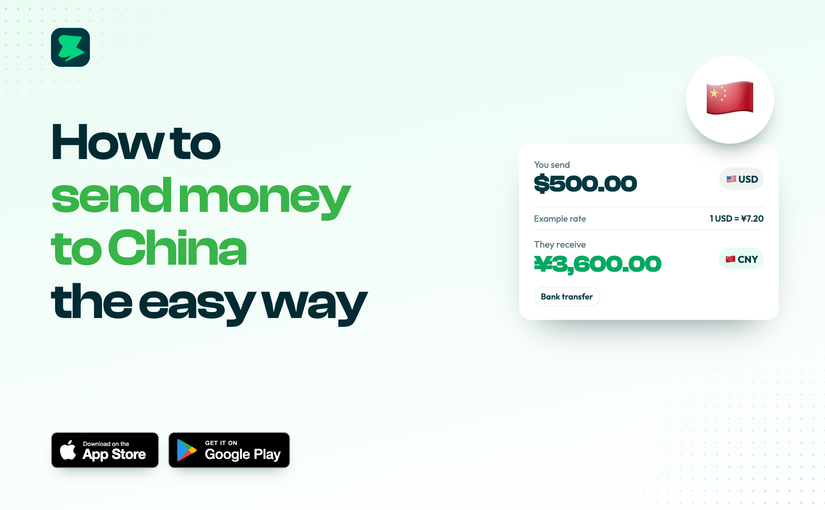
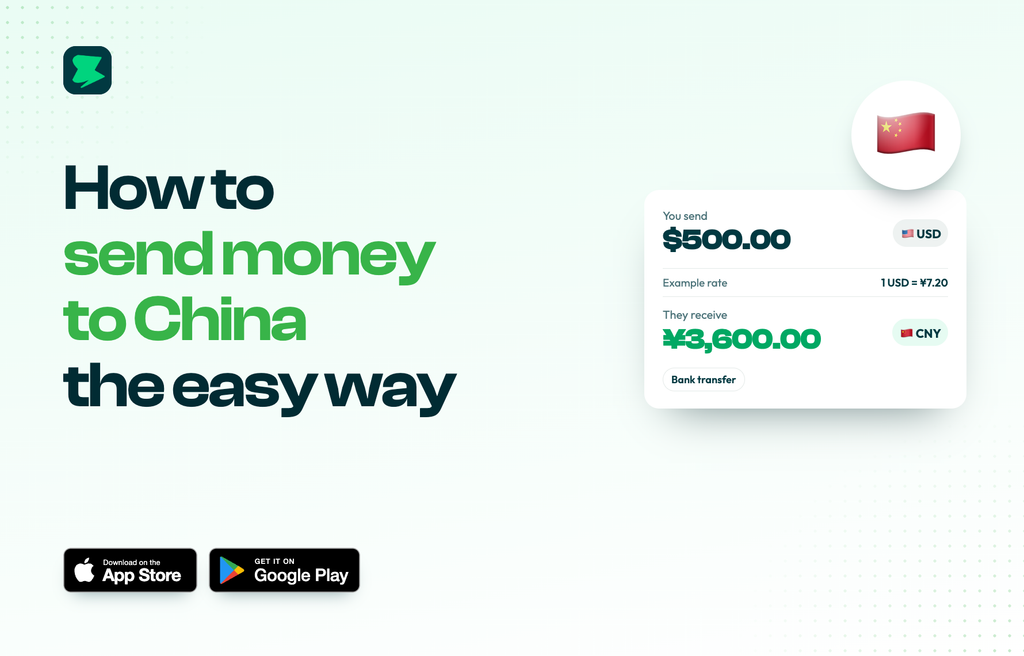
Pay suppliers and partners in China by bank transfer with Novacrust. See the rate and fee before you send.
If you buy stock, pay a factory or work with partners in China, Novacrust lets you pay them from one app and see exactly what they receive.
How they get paid
- Bank transfer to any bank account in China
What you’ll need
- The recipient’s full name as it appears on their account
- Their bank name and account number
- Any extra details the app asks for (shown when you add the recipient)
How to send money to China with Novacrust
- Open Novacrust and tap Send.
- Choose China (CNY).
- Pick a saved recipient, or add your supplier’s bank details.
- Enter the amount. You’ll see the rate, the fee and the CNY amount they receive.
- Confirm with your PIN or Face ID.
Why Novacrust
- Clear numbers before you send.
- Fund your way with USD, local currency or crypto.
- Saved suppliers for repeat orders.
- Receipts for every completed transfer.
Get Started – It’s Free at novacrust.com, or download the app on the App Store and Google Play.