
Skip to content

Novacrust Blog

The Global Payment Guide

Recent Posts

  • How to Open a USD Account Online in Minutes (2026 Guide)
  • The Best Way to Send Money Internationally in 2026
  • Bitcoin, Solana, Tron, Ethereum, and More Are Now on Novacrust!
  • Money Management for Remote Workers and Digital Nomads: The Complete 2026 Guide
  • ACH vs Wire vs SWIFT: Which Should You Use to Get Paid From Abroad?

Recent Comments

  1. Isaac musembi on Kali Kimanzi: What It Really Takes to Work with International Clients from Africa
  2. John Wamae on Kali Kimanzi: What It Really Takes to Work with International Clients from Africa
  3. John Wamae on Kali Kimanzi: What It Really Takes to Work with International Clients from Africa

Archives

  • July 2026
  • June 2026
  • May 2026
  • April 2026
  • March 2026
  • February 2026
  • January 2026
  • December 2025
  • November 2025
  • October 2025
  • May 2025

Categories

  • Crypto
  • Exchange rate
  • Freelancers
  • Global Accounts
  • Global Cards
  • Growth Series
  • Partnerships
  • Product Updates
  • Uncategorized
  • Weekly Quiz

Tag: usd account

Introducing More Payment Options to Fund Your USD Account

Introducing More Payment Options to Fund Your USD Account

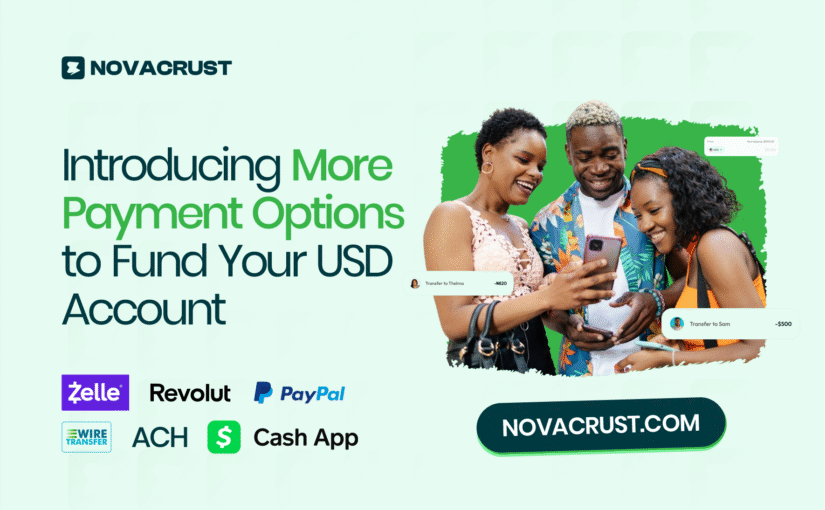
Introducing more payment for usd account Blog Banner

At Novacrust, we’re building a borderless payment experience for freelancers, remote workers, and businesses by making it easy to receive and move money across different channels.

A few months ago, we launched USD Accounts in your name, allowing you to receive ACH and Wire transfers seamlessly, convert your funds to local currencies, and even send money to others directly from your dashboard.

Since then, many of you, especially freelancers and remote teams, have asked if we could make receiving payments even more flexible with options like Zelle, Cash App, PayPal, Revolut, and payment links.

We listened.

Now, with Novacrust, you can receive payments through Zelle, Cash App, PayPal, and Revolut – all credited straight to your USD account on Novacrust.


Getting Started

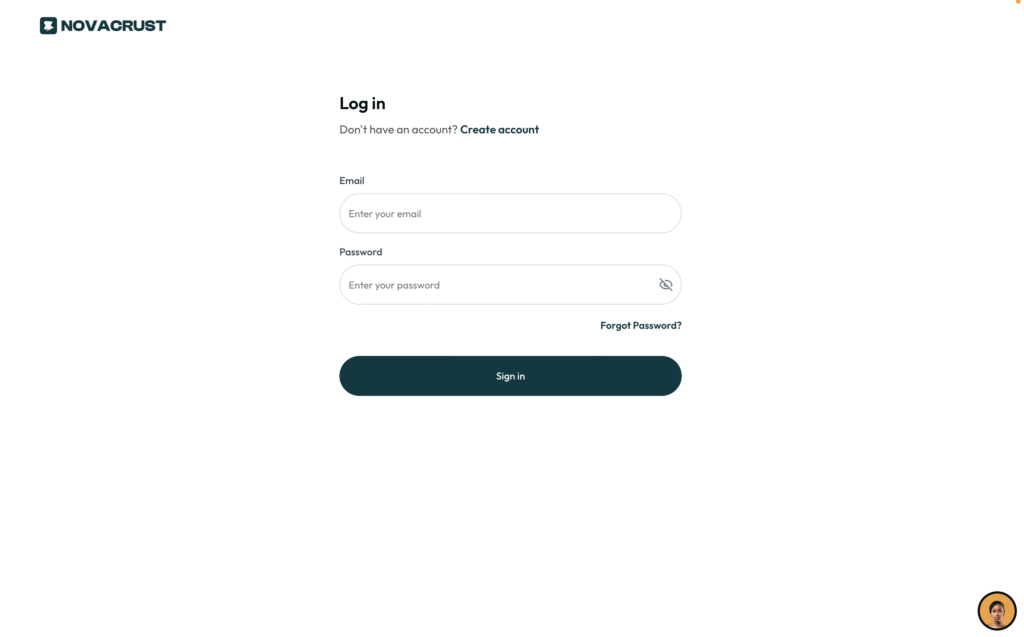
  1. Sign in to your account at app.novacrust.com
image

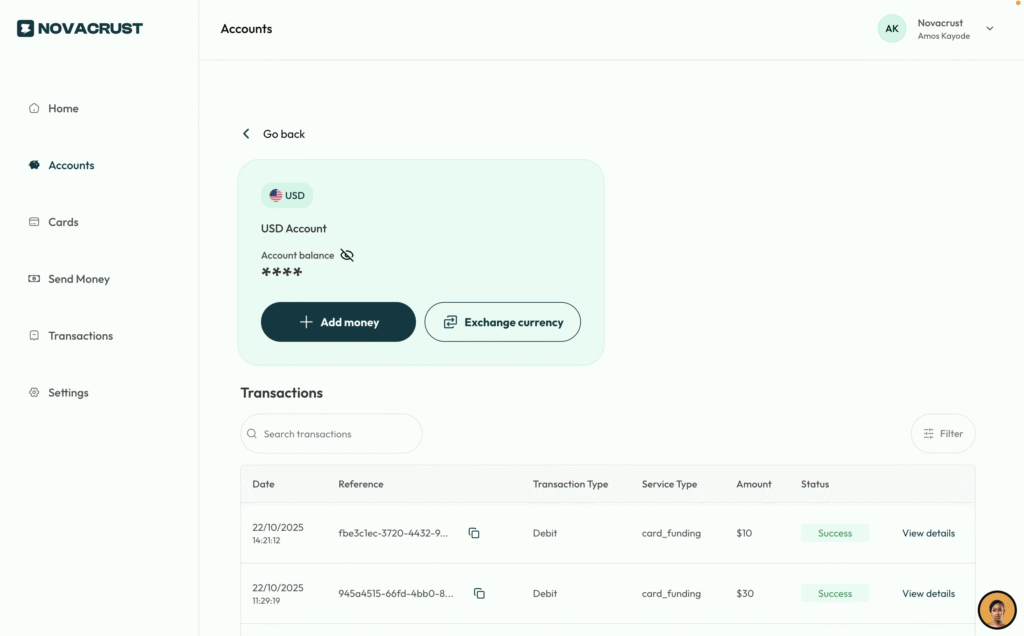
2. Go to the Accounts tab

3. Select your USD Account, then click Add Money
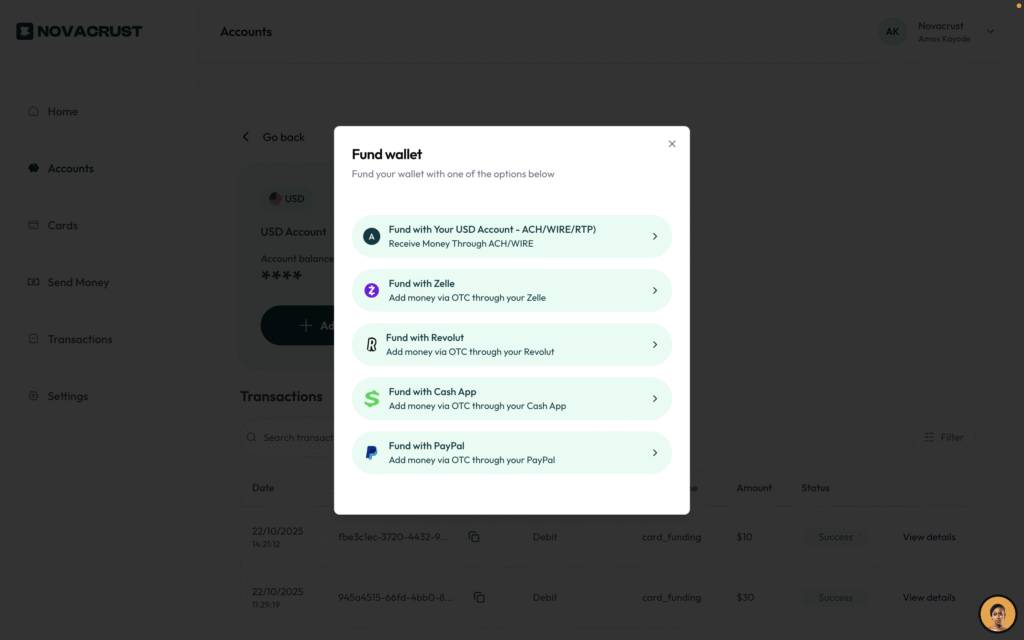
novacrust funding with zelle, revolut, paypal , cash app image

You’ll see the new payment options to get paid instantly.

At Novacrust, our mission is to make getting paid globally as simple as getting paid locally, and this update brings us one step closer.

Try it out and tell us what you think. We are always listening.

Posted on November 4, 2025November 5, 2025Author Teidou BrownCategories Product UpdatesTags cashapp, paypal, revolut, usd account, zelleLeave a comment on Introducing More Payment Options to Fund Your USD Account
Proudly powered by WordPress